Back to Plugins
Discord Notification Bot - Twitch, YouTube & Social Media Alerts
Get instant notifications when your favorite creators go live, upload videos, or post new content. Support for Twitch, YouTube, X (Twitter), Instagram, Reddit, and custom RSS feeds.
10M+
Alerts Sent
500K+
Creators Tracked
6
Platforms Supported
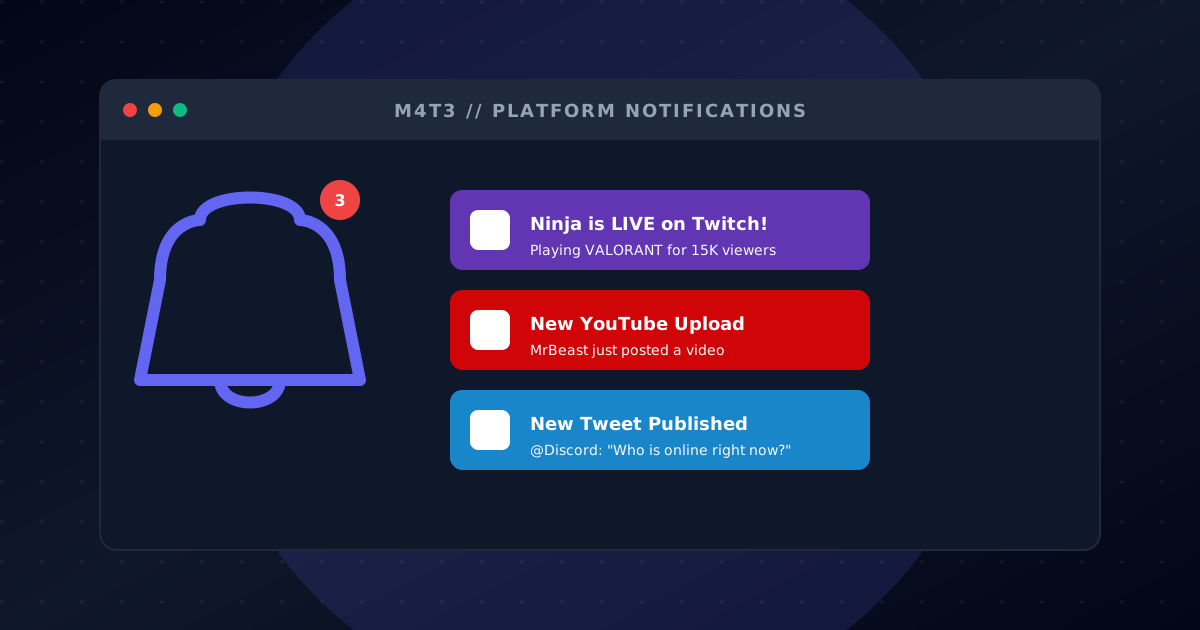
Twitch Live Alerts
Instantly notify your community when you or your favorite streamers go live on Twitch. Never miss a stream again!
Instant live notifications
Custom alert messages
Stream title and game info
Viewer count display
Multiple streamers per server
YouTube Alerts
Get notified when new videos are uploaded to YouTube channels. Perfect for keeping up with your favorite content creators.
New video notifications
Channel subscription tracking
Video title and thumbnail
Custom notification messages
Multiple channels supported
X (Twitter) Alerts
Stay updated with tweets from accounts you follow. Every new tweet is automatically posted to your Discord channel.
Real-time tweet notifications
Retweet and reply filtering
Custom message formatting
Multiple accounts tracking
Media attachment support
Instagram Alerts
Get notifications for new Instagram posts from your favorite accounts. Stay connected with creators and friends.
New post notifications
Image and video support
Caption preview
Profile tracking
Multiple accounts per server
Reddit Alerts
Monitor subreddits for new posts. Perfect for news, updates, or tracking specific topics relevant to your community.
Subreddit monitoring
New post notifications
Post title and preview
Upvote count display
Filter by flair or keywords
RSS Feed Alerts
Subscribe to any RSS feed and get notifications in Discord. Perfect for blogs, news sites, and custom content sources.
Any RSS feed supported
Blog and news tracking
Custom formatting options
Multiple feeds per channel
Automatic updates
Get Started in Minutes
Follow these simple steps to start your Social Alerts adventure
Add M4T3 Notification Bot
Click 'Add to Discord' and grant permissions to send messages in your notification channels.
Configure Alerts via Dashboard
Use the M4T3 dashboard to add Twitch streamers, YouTube channels, Twitter accounts, and more.
Customize Messages
Set custom alert messages, choose notification channels, and configure which content to track.
Get Real-Time Alerts
Receive instant notifications when creators go live, post videos, or share new content!
Streamer Notification Hub
Get a dedicated channel that auto-posts when Twitch or YouTube creators go live, so fans never miss a stream.
Content Creator Clips
Share new TikToks and social posts directly into your server to keep the conversation centered.
Community Podcast Drops
Announce podcast episodes and blog posts the moment they publish, driving consistent return traffic.
Frequently Asked Questions
Everything you need to know about Social Alerts
How do I add Twitch alerts to Discord?
Add M4T3 to your server, go to the dashboard, and configure Twitch alerts by entering the streamer's username. You'll get notifications when they go live!
Can I get YouTube upload notifications in Discord?
Yes! Configure YouTube alerts in the M4T3 dashboard by adding the channel URL. You'll be notified instantly when new videos are uploaded.
Does the bot support Twitter/X alerts?
Absolutely! Track any Twitter/X account and get real-time notifications when they tweet. Perfect for following announcements and updates.
Is the notification bot free?
Yes! M4T3's social alerts are free to use. Track multiple streamers and channels across Twitch, YouTube, Twitter, Instagram, Reddit, and RSS feeds.
Can I customize the notification messages?
Yes! In the dashboard, you can customize alert messages for each platform with custom text, mentions, and formatting.
How many creators can I track?
You can track multiple creators across all supported platforms. Premium users get increased limits for larger communities.

Ready to get started?
Add M4T3 to your Discord server today and unlock all these amazing features!