Back to Plugins
Discord Moderation Bot - Automate Server Safety & Moderation
Keep your Discord server safe and organized with M4T3's advanced auto-moderation system. Automatically filter spam, bad words, and malicious links. Manage punishments with a complete warning system, and keep your community clean with powerful message management tools.
50K+
Servers Protected
10M+
Messages Filtered
99.9%
Spam Blocked
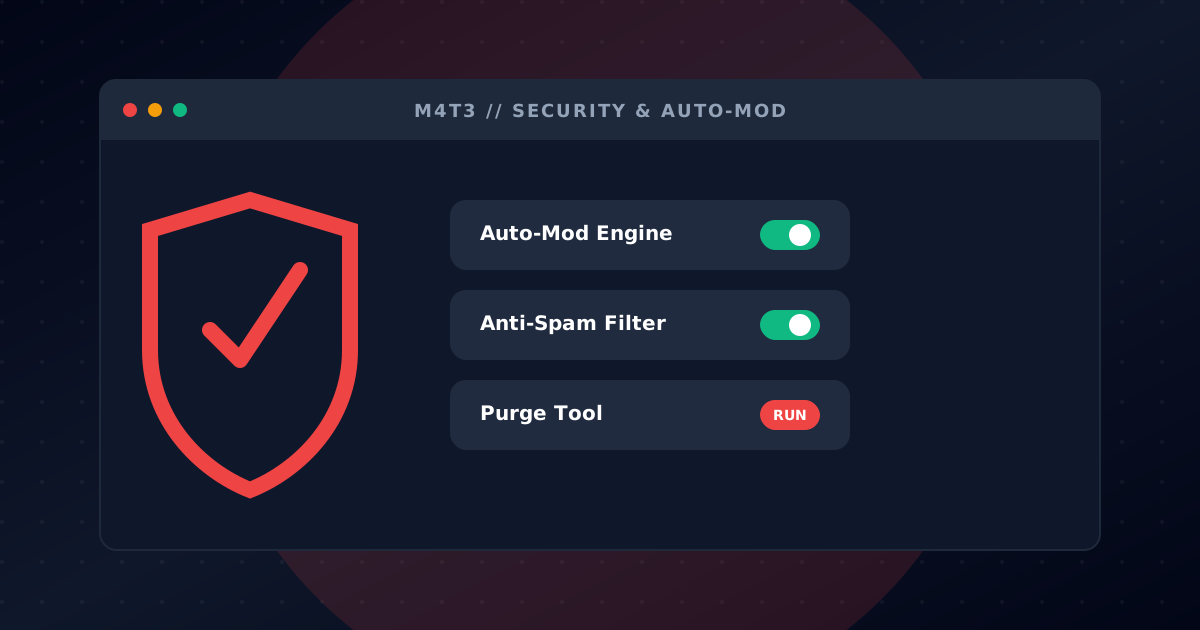
Auto-Mod Filters
Protect your server 24/7 with intelligent auto-moderation. M4T3 automatically detects and removes harmful content before it causes problems, keeping your community safe without constant manual oversight.
Bad word filter with custom word lists
Malicious link and phishing detection
Excessive emoji and caps lock filtering
Invite link blocking
Configurable actions: delete, warn, mute, kick, or ban
Anti-Spam Protection
Stop spammers in their tracks with intelligent detection that adapts to your server's activity. Configure sensitivity levels and automatic actions to handle spam without moderator intervention.
Duplicate message detection
Mass mention prevention
Raid protection mode
Configurable message thresholds
Auto-mute repeat offenders
Punishment System
A complete punishment workflow for your moderation team. Issue warnings, track infractions, and escalate punishments automatically. All actions are logged for transparency and accountability.
Warn, mute, kick, ban, and tempban commands
Automatic punishment escalation
Infraction history per user
Mod action logging
Appeal system integration
Message Management
Keep your channels clean with powerful message management tools. Bulk delete messages, clear specific users' messages, or remove messages containing certain content.
Purge up to 1000 messages at once
Filter by user, content, or time
Purge bot messages only
Purge messages with attachments
Detailed purge logs
Manager Roles
Delegate moderation responsibilities with the manager roles system. Grant specific permissions to trusted members without giving full admin access.
Configure which roles can use mod commands
Separate permissions for different actions
Prevent abuse with role hierarchy
Easy setup via dashboard or commands
Get Started in Minutes
Follow these simple steps to start your Moderation adventure
Add M4T3 to Your Server
Click 'Add to Discord' and authorize M4T3 with the necessary moderation permissions for your server.
Configure Auto-Mod Filters
Use /setup automod setup to enable filters for bad words, spam, links, and more. Customize actions for each filter.
Set Up Anti-Spam Protection
Configure spam detection thresholds with /setup antispam setup. Enable raid protection for extra security.
Start Moderating
Your server is now protected! Use punishment commands when needed and let auto-mod handle the rest.
Protect a Gaming Community
Auto-mod filters remove spam, malicious links and profanity so your moderators can focus on building events instead of cleanup.
Stream Raid Protection
When a streamer's audience floods your Discord, anti-spam and raid mode automatically mute offenders and alert staff.
Scalable Server Management
Use warnings, mutes, kicks and bans with logged infractions to keep rules consistent across tens of thousands of members.
Frequently Asked Questions
Everything you need to know about Moderation
How do I add a moderation bot to my Discord server?
Click the 'Add to Discord' button, select your server, and authorize M4T3 with moderation permissions. Then use /setup automod setup to configure your filters.
Is the Discord moderation bot free?
Yes! M4T3's core moderation features including auto-mod, anti-spam, punishments, and message management are completely free to use.
How does auto-moderation work in Discord?
Auto-mod automatically monitors messages for violations like profanity, spam, malicious links, and excessive caps. When detected, it can delete messages, warn users, or apply punishments based on your configuration.
Can I customize which words are filtered?
Absolutely! Use /setup automod badwords to add custom words and phrases to your filter list. You can also configure different actions for different violations.
How do I bulk delete messages in Discord?
Use the /admin purge command to delete up to 1000 messages at once. You can filter by user, content, attachments, or time range for precise message management.
Does M4T3 have anti-raid protection?
Yes! The anti-spam system includes raid protection mode that detects and stops coordinated attacks. Configure sensitivity levels to match your server's needs.
Available Commands
All the commands you need to manage your server effectively
/setup automod setup
Configure auto-moderation filters and actions
/setup automod badwords
Manage custom bad word lists
/setup antispam setup
Configure anti-spam thresholds and actions
/setup antispam status
View current anti-spam configuration
/admin purge
Bulk delete messages with filters
/admin punish
Punish a user with various actions
/admin punish history
View user punishment history
/admin punish clear
Clear user punishment history
/admin modlog
View moderation action logs for the server
/admin blacklist add
Add a user to the server blacklist
/admin blacklist remove
Remove a user from the blacklist
/admin blacklist list
View all blacklisted users

Ready to get started?
Add M4T3 to your Discord server today and unlock all these amazing features!