Back to Plugins
Discord Music Bot - High-Quality Music Player & Playlists
Enjoy high-quality music playback with support for YouTube, Spotify, SoundCloud, and more. Create playlists and queue your favorite tracks!
50M+
Songs Played
10M+
Hours Streamed
500K+
Playlists Saved
Multi-Platform Support
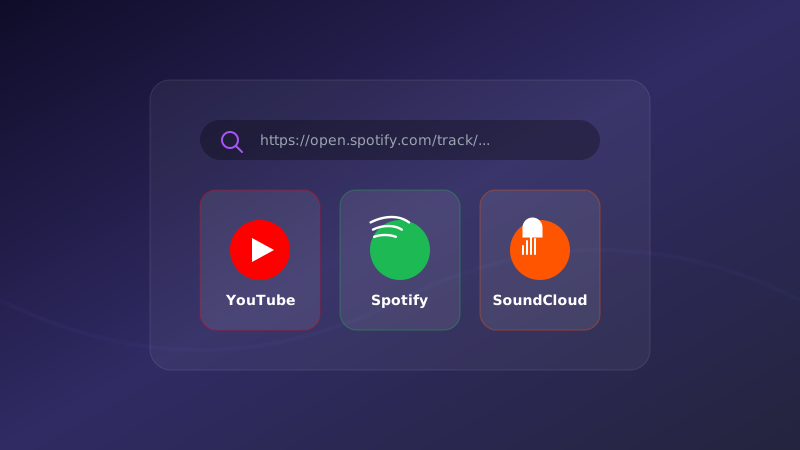
Play music from YouTube, Spotify, SoundCloud, and many more platforms. Just paste the link and M4T3 handles the rest.
YouTube videos and playlists
Spotify tracks and playlists
SoundCloud support
Direct audio links
Search by song name
Queue Management
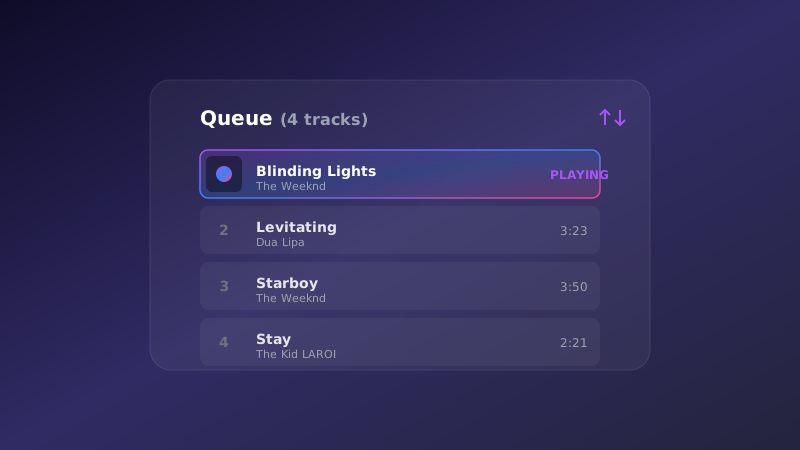
Full control over your music queue. Add songs, skip tracks, shuffle the order, loop your favorites, and remove what you don't want.
View current queue
Skip to next track
Shuffle queue order
Loop track or queue
Remove specific songs
Playback Controls
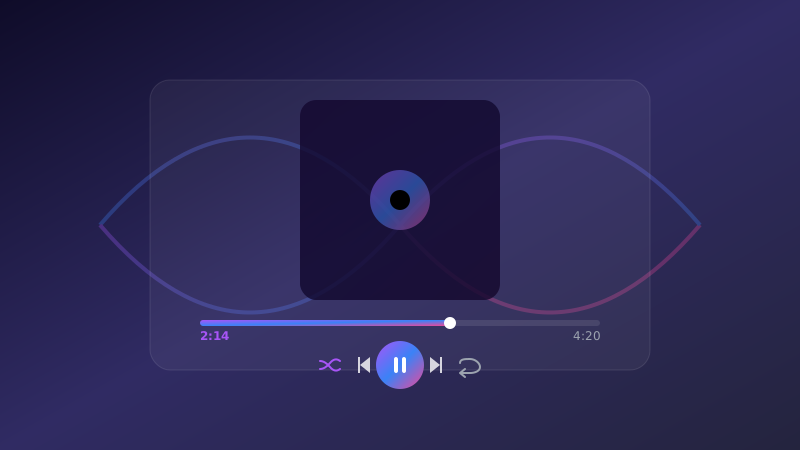
Complete control over music playback. Pause, resume, adjust volume, and see what's currently playing.
Pause and resume
Volume control
Now playing display
Track progress
Stop and clear queue
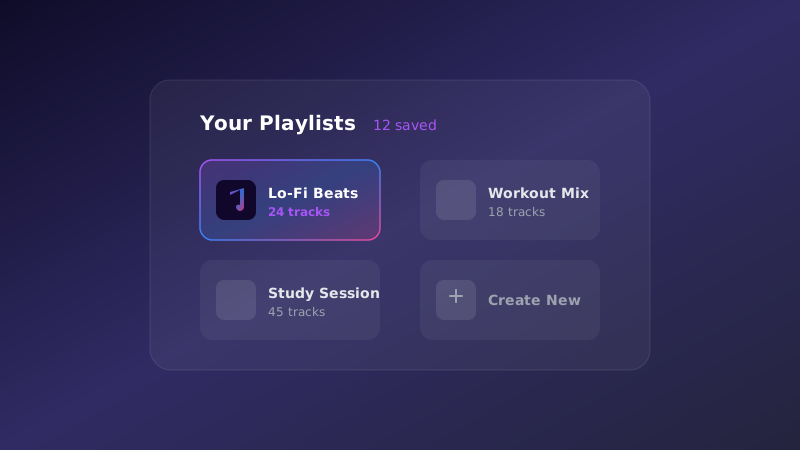
Personal Playlists
Save your favorite queues as personal playlists. Load them anytime with a single command and share with friends.
Save current queue
Load saved playlists
View playlist info
List all playlists
Delete playlists
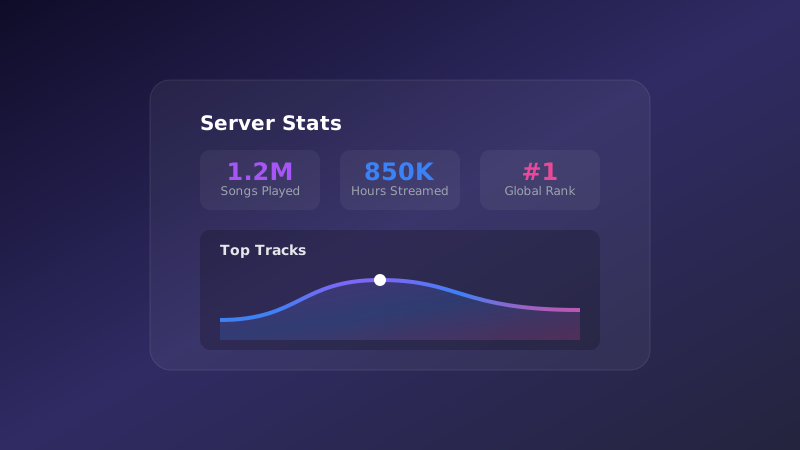
Music Statistics
Track your listening history and see what's popular. Compete on the music leaderboard and discover new favorites.
Listening history
Most played tracks
Music leaderboard
Personal stats
Server-wide rankings
Get Started in Minutes
Follow these simple steps to start your Music adventure
Add M4T3 Music Bot
Click 'Add to Discord' and grant M4T3 permission to join voice channels and speak.
Join a Voice Channel
Join any voice channel in your server where you want to play music.
Play Your Music
Use /music play [song name or URL] to start playing. Supports YouTube, Spotify, SoundCloud, and more!
Manage Your Queue
Control playback with skip, pause, shuffle, loop, and create personal playlists to save your favorites.
Study / Work Lobbies
Queue lo-fi or focus playlists in voice channels for productivity communities.
Watch Parties
Play synced music or ambience during community watch parties and game sessions.
Creator Collaboration
Let friends build shared playlists and vote on the next track in creative servers.
Frequently Asked Questions
Everything you need to know about Music
How do I add a music bot to Discord?
Click the 'Add to Discord' button, select your server, and authorize M4T3 with voice channel permissions. Then join a voice channel and use /music play to start!
Is the Discord music bot free?
Yes! M4T3 music bot is free to use with all core features including YouTube, Spotify, and queue management. Premium users get additional features like playlists and stats.
What music platforms does M4T3 support?
M4T3 supports YouTube, Spotify, SoundCloud, direct audio links, and more. Just paste the link or search by song name!
Can I create playlists with the music bot?
Absolutely! Save your current queue as a personal playlist with /music playlist-save and load it anytime with /music playlist-load.
How do I control the music queue?
Use /music queue to view songs, /music skip to next track, /music shuffle to randomize, /music loop to repeat, and /music remove to delete specific songs.
Can multiple people add songs to the queue?
Yes! Anyone in the voice channel can use /music play to add songs to the queue. It's perfect for collaborative listening!
Available Commands
All the commands you need to manage your server effectively
/music play
Play a song or add to queue
/music queue
View the current queue
/music nowplaying
Show current track info
/music volume
Adjust playback volume
/music loop
Loop track or queue
/music remove
Remove a track from queue
/music history
View listening history
/music stats
View your music statistics
/music leaderboard
View music leaderboard
/music playlist create
Create a new playlist
/music playlist add
Add a track to a playlist
/music playlist load
Load a saved playlist
/music playlist generate
Generate a playlist automatically
/music playlist list
List your playlists
/music playlist remove
Remove a track from a playlist
/music playlist delete
Delete a playlist

Ready to get started?
Add M4T3 to your Discord server today and unlock all these amazing features!