플러그인으로 돌아가기
Discord 알림 봇 - Twitch, YouTube 및 소셜 미디어 알림
좋아하는 크리에이터가 라이브하거나 동영상을 업로드하거나 새 콘텐츠를 게시할 때 즉시 알림을 받으세요. Twitch, YouTube, X (Twitter), Instagram, Reddit 및 사용자 정의 RSS 피드 지원.
10M+
보낸 알림
500K+
추적된 크리에이터
6
지원 플랫폼
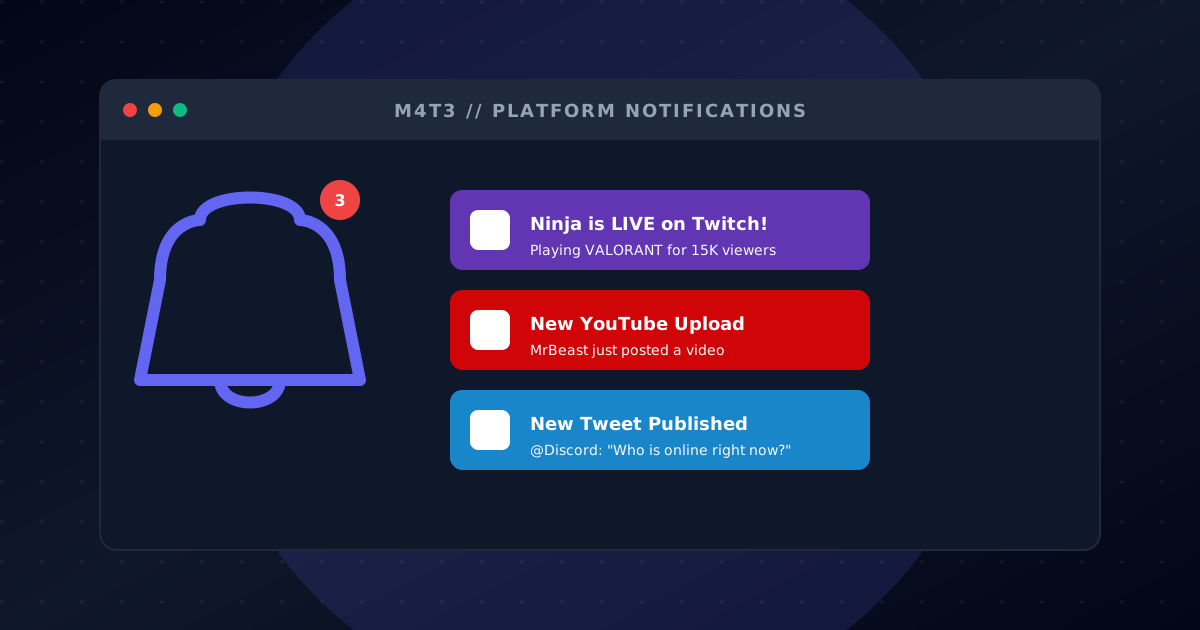
Twitch 라이브 알림
당신이나 좋아하는 스트리머가 Twitch에서 라이브할 때 커뮤니티에 즉시 알림. 다시는 방송을 놓치지 마세요!
즉시 라이브 알림
사용자 정의 알림 메시지
방송 제목 및 게임 정보
시청자 수 표시
서버당 여러 스트리머
YouTube 알림
YouTube 채널에 새 동영상이 업로드되면 알림을 받으세요. 좋아하는 콘텐츠 크리에이터를 팔로우하기에 완벽합니다.
새 동영상 알림
채널 구독 추적
동영상 제목 및 썸네일
사용자 정의 알림 메시지
여러 채널 지원
X (Twitter) 알림
팔로우하는 계정의 트윗을 최신 상태로 유지하세요. 모든 새 트윗이 자동으로 Discord 채널에 게시됩니다.
실시간 트윗 알림
리트윗 및 답글 필터링
사용자 정의 메시지 포맷
여러 계정 추적
미디어 첨부 지원
Instagram 알림
좋아하는 계정의 새 Instagram 게시물 알림을 받으세요. 크리에이터 및 친구와 연결을 유지하세요.
새 게시물 알림
이미지 및 동영상 지원
캐션 미리보기
프로필 추적
서버당 여러 계정
Reddit 알림
새 게시물을 위해 subreddit를 모니터링하세요. 뉴스, 업데이트 또는 커뮤니티와 관련된 특정 주제를 추적하기에 완벽합니다.
Subreddit 모니터링
새 게시물 알림
게시물 제목 및 미리보기
추천 수 표시
플레어 또는 키워드로 필터
RSS 피드 알림
모든 RSS 피드를 구독하고 Discord에서 알림을 받으세요. 블로그, 뉴스 사이트 및 사용자 정의 콘텐츠 소스에 완벽합니다.
모든 RSS 피드 지원
블로그 및 뉴스 추적
사용자 정의 포맷 옵션
채널당 여러 피드
자동 업데이트
몇 분 만에 시작하세요
다음 간단한 단계를 따라 Social Alerts 모험을 시작하세요
M4T3 알림 봇 추가하기
'Discord에 추가' 버튼을 클릭하고 알림 채널에 메시지를 보낼 권한을 부여하세요.
대시보드에서 알림 설정하기
M4T3 대시보드를 사용하여 Twitch 스트리머, YouTube 채널, Twitter 계정 등을 추가하세요.
메시지 사용자 지정하기
사용자 지정 알림 메시지를 설정하고, 알림 채널을 선택하고, 추적할 콘텐츠를 구성하세요.
실시간 알림 받기
크리에이터가 라이브 방송을 시작하거나 동영상을 게시하거나 새로운 콘텐츠를 공유할 때 즉시 알림을 받으세요!
Streamer Notification Hub
Get a dedicated channel that auto-posts when Twitch or YouTube creators go live, so fans never miss a stream.
Content Creator Clips
Share new TikToks and social posts directly into your server to keep the conversation centered.
Community Podcast Drops
Announce podcast episodes and blog posts the moment they publish, driving consistent return traffic.
자주 묻는 질문
Social Alerts에 대해 알아야 할 모든 것
Discord에 Twitch 알림을 어떻게 추가하나요?
M4T3를 서버에 추가하고 대시보드로 이동하여 스트리머의 사용자 이름을 입력하여 Twitch 알림을 구성하세요. 라이브 방송을 시작하면 알림을 받게 됩니다!
Discord에서 YouTube 업로드 알림을 받을 수 있나요?
네! M4T3 대시보드에서 채널 URL을 추가하여 YouTube 알림을 구성하세요. 새 동영상이 업로드되면 즉시 알림을 받게 됩니다.
봇이 Twitter/X 알림을 지원하나요?
물론입니다! 모든 Twitter/X 계정을 추적하고 트윗할 때 실시간 알림을 받으세요. 공지사항과 업데이트를 팔로우하는 데 완벽합니다.
알림 봇은 무료인가요?
네! M4T3의 소셜 알림은 무료로 사용할 수 있습니다. Twitch, YouTube, Twitter, Instagram, Reddit 및 RSS 피드에서 여러 스트리머와 채널을 추적하세요.
알림 메시지를 사용자 지정할 수 있나요?
네! 대시보드에서 각 플랫폼에 대해 사용자 지정 텍스트, 멘션, 서식으로 알림 메시지를 사용자 지정할 수 있습니다.
몇 명의 크리에이터를 추적할 수 있나요?
지원되는 모든 플랫폼에서 여러 크리에이터를 추적할 수 있습니다. 프리미엄 사용자는 더 큰 커뮤니티를 위한 향상된 한도를 받습니다.

시작할 준비가 되셨나요?
오늘 Discord 서버에 M4T3를 추가하고 이 모든 놀라운 기능을 잠금 해제하세요!