العودة إلى الإضافات
بوت إشراف ديسكورد - أتمتة أمان الخادم والإشراف
حافظ على خادم Discord آمناً ومنظماً باستخدام نظام الإشراف الآلي المتقدم من M4T3. قم بتصفية الرسائل المزعجة والكلمات السيئة والروابط الضارة تلقائياً. أدر العقوبات عبر نظام تحذيرات متكامل، وحافظ على نظافة مجتمعك باستخدام أدوات قوية لإدارة الرسائل.
50K+
الخوادم المحمية
10M+
الرسائل المُفلترة
99.9%
الرسائل المزعجة المحجوبة
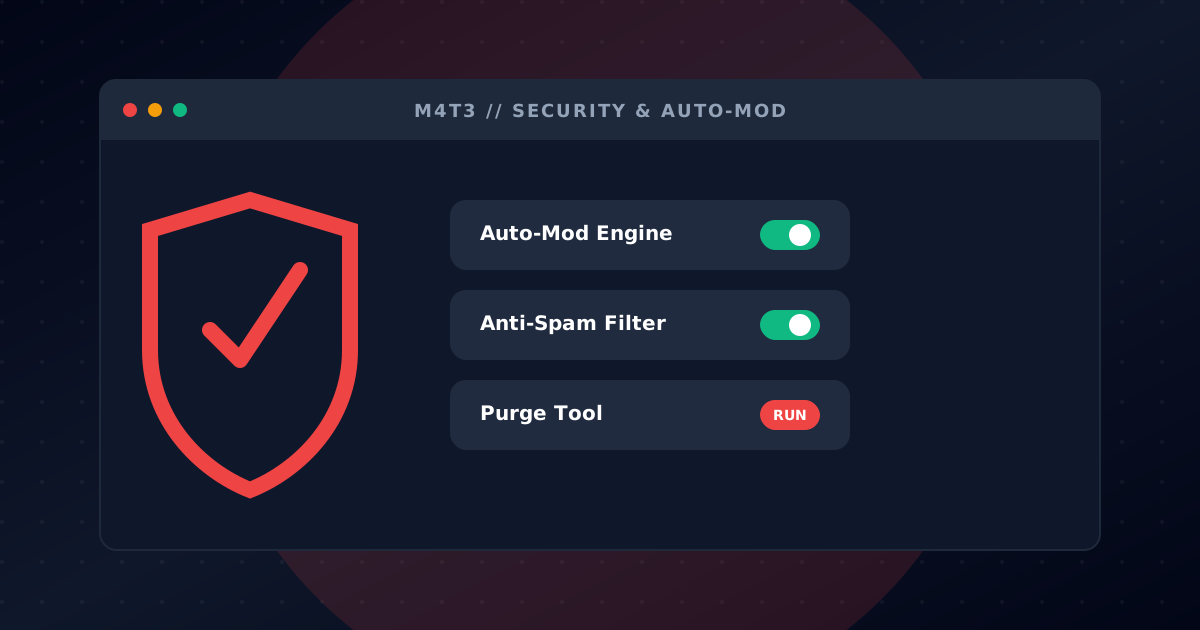
فلاتر الإشراف الآلي
احمِ خادمك على مدار الساعة مع إشراف آلي ذكي. يكتشف M4T3 المحتوى الضار ويزيله تلقائياً قبل أن يسبب مشاكل، مما يحافظ على أمان مجتمعك دون مراقبة يدوية مستمرة.
فلتر الكلمات السيئة مع قوائم كلمات مخصصة
كشف الروابط الضارة والتصيد الاحتيالي
فلترة الإيموجي والحروف الكبيرة المفرطة
حظر روابط الدعوات
إجراءات قابلة للتخصيص: حذف، تحذير، كتم، طرد، أو حظر
حماية من الرسائل المزعجة
أوقف مرسلي الرسائل المزعجة بكشف ذكي يتكيف مع نشاط خادمك. اضبط مستويات الحساسية والإجراءات التلقائية للتعامل مع الرسائل المزعجة دون تدخل المشرفين.
كشف الرسائل المكررة
منع المنشن الجماعي
وضع الحماية من الهجمات
حدود رسائل قابلة للتخصيص
كتم تلقائي للمخالفين المتكررين
نظام العقوبات
سير عمل عقوبات متكامل لفريق الإشراف. أصدر تحذيرات، وتتبع المخالفات، وصعّد العقوبات تلقائياً. جميع الإجراءات مسجلة للشفافية والمساءلة.
أوامر التحذير والكتم والطرد والحظر والحظر المؤقت
تصعيد العقوبات تلقائياً
سجل مخالفات لكل مستخدم
تسجيل إجراءات المشرفين
تكامل نظام الاستئناف
إدارة الرسائل
حافظ على نظافة قنواتك مع أدوات إدارة رسائل قوية. احذف رسائل بالجملة، أو امسح رسائل مستخدمين معينين، أو أزل رسائل تحتوي محتوى معين.
حذف حتى 1000 رسالة دفعة واحدة
فلترة حسب المستخدم أو المحتوى أو الوقت
حذف رسائل البوت فقط
حذف الرسائل مع المرفقات
سجلات حذف مفصلة
أدوار المدير
فوّض مسؤوليات الإشراف عبر نظام أدوار المدير. امنح صلاحيات محددة للأعضاء الموثوقين دون إعطاء صلاحيات المدير الكاملة.
حدد الأدوار التي يمكنها استخدام أوامر الإشراف
صلاحيات منفصلة لإجراءات مختلفة
منع إساءة الاستخدام عبر تسلسل الأدوار
إعداد سهل عبر لوحة التحكم أو الأوامر
ابدأ في دقائق
اتبع هذه الخطوات البسيطة لبدء مغامرة Moderation
أضف M4T3 إلى خادمك
انقر على 'إضافة إلى ديسكورد' وامنح M4T3 أذونات الإشراف اللازمة لخادمك.
قم بتكوين فلاتر الإشراف التلقائي
استخدم /setup automod setup لتفعيل فلاتر الكلمات السيئة والسبام والروابط والمزيد. خصص الإجراءات لكل فلتر.
قم بإعداد حماية مكافحة السبام
قم بتكوين حدود اكتشاف السبام باستخدام /setup antispam setup. فعّل حماية الغارات لمزيد من الأمان.
ابدأ في الإشراف
خادمك الآن محمي! استخدم أوامر العقوبات عند الحاجة ودع الإشراف التلقائي يتولى الباقي.
Protect a Gaming Community
Auto-mod filters remove spam, malicious links and profanity so your moderators can focus on building events instead of cleanup.
Stream Raid Protection
When a streamer's audience floods your Discord, anti-spam and raid mode automatically mute offenders and alert staff.
Scalable Server Management
Use warnings, mutes, kicks and bans with logged infractions to keep rules consistent across tens of thousands of members.
الأسئلة المتكررة
كل ما تحتاج معرفته عن Moderation
كيف أضيف بوت إشراف إلى خادم ديسكورد الخاص بي؟
انقر على زر 'إضافة إلى ديسكورد'، اختر خادمك، وامنح M4T3 أذونات الإشراف. ثم استخدم /setup automod setup لتكوين فلاترك.
هل بوت الإشراف على ديسكورد مجاني؟
نعم! ميزات الإشراف الأساسية لـ M4T3، بما في ذلك الإشراف التلقائي ومكافحة السبام والعقوبات وإدارة الرسائل، مجانية تمامًا.
كيف يعمل الإشراف التلقائي في ديسكورد؟
يراقب الإشراف التلقائي الرسائل تلقائيًا بحثًا عن مخالفات مثل الألفاظ النابية والسبام والروابط الضارة والأحرف الكبيرة المفرطة. عند اكتشافها، يمكنه حذف الرسائل أو تحذير المستخدمين أو تطبيق العقوبات بناءً على إعداداتك.
هل يمكنني تخصيص الكلمات التي يتم تصفيتها؟
بالتأكيد! استخدم /setup automod badwords لإضافة كلمات وعبارات مخصصة إلى قائمة الفلاتر الخاصة بك. يمكنك أيضًا تكوين إجراءات مختلفة للمخالفات المختلفة.
كيف أحذف الرسائل بشكل جماعي في ديسكورد؟
استخدم أمر /admin purge لحذف ما يصل إلى 1000 رسالة دفعة واحدة. يمكنك التصفية حسب المستخدم أو المحتوى أو المرفقات أو النطاق الزمني لإدارة دقيقة للرسائل.
هل يمتلك M4T3 حماية ضد الغارات؟
نعم! يتضمن نظام مكافحة السبام وضع حماية من الغارات يكتشف ويوقف الهجمات المنسقة. قم بتكوين مستويات الحساسية لتناسب احتياجات خادمك.
الأوامر المتاحة
جميع الأوامر التي تحتاجها لإدارة خادمك بفعالية
/setup automod setup
ضبط فلاتر وإجراءات الإشراف الآلي
/setup automod badwords
إدارة قوائم الكلمات السيئة المخصصة
/setup antispam setup
ضبط حدود وإجراءات مكافحة الرسائل المزعجة
/setup antispam status
عرض إعدادات مكافحة الرسائل المزعجة الحالية
/admin purge
حذف ما يصل إلى 1000 رسالة باستخدام فلاتر متقدمة
/admin punish
قائمة عقوبات سريعة مع خيارات الطرد والتحذير والمهلة والحظر
/admin punish history
View a user's infraction history and past punishments
/admin punish clear
Clear a user's infraction history
/admin modlog
عرض سجلات إجراءات الإشراف للسيرفر
/admin blacklist add
إضافة مستخدم أو خادم إلى القائمة السوداء لأوامر الذكاء الاصطناعي/الموسيقى
/admin blacklist remove
إزالة مستخدم أو خادم من القائمة السوداء لأوامر الذكاء الاصطناعي/الموسيقى
/admin blacklist list
عرض القوائم السوداء الحالية لأوامر الذكاء الاصطناعي والموسيقى

مستعد للبدء؟
أضف M4T3 إلى خادم Discord الخاص بك اليوم وافتح جميع هذه الميزات الرائعة!